Color separation for screen printing
Color Sep Pro turns any artwork into production-ready film — spot color, CMYK, monotone and vector, with halftones, underbase and registration built in.
14-day money-back guarantee — try it risk-free
Available for Windows 10 & 11 (64-bit) · macOS on the roadmap
Four engines
Every job. One workflow.
Flat spot-color tees, photographic prints, single-color screens or crisp vector logos — pick the engine, the rest is automatic.
Automatic channel extraction
Spot Color
Detect every color in your design and separate it into individual print-ready channels — with a live proof preview, dedicated black layer and automatic white underbase for dark garments.
- Automatic color detection
- Live proof on any garment color
- White underbase generation
- Merge & refine channels
Inside the app
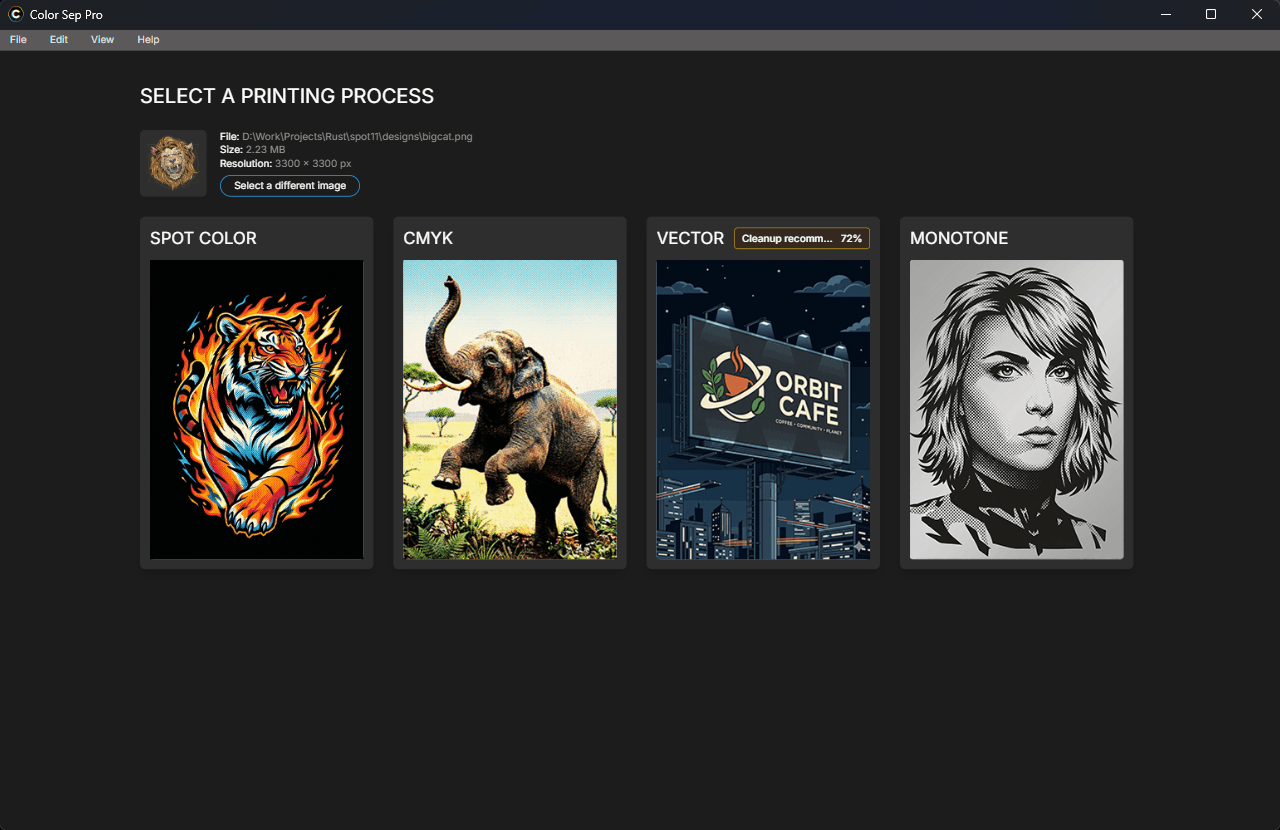
Four engines. One decision.
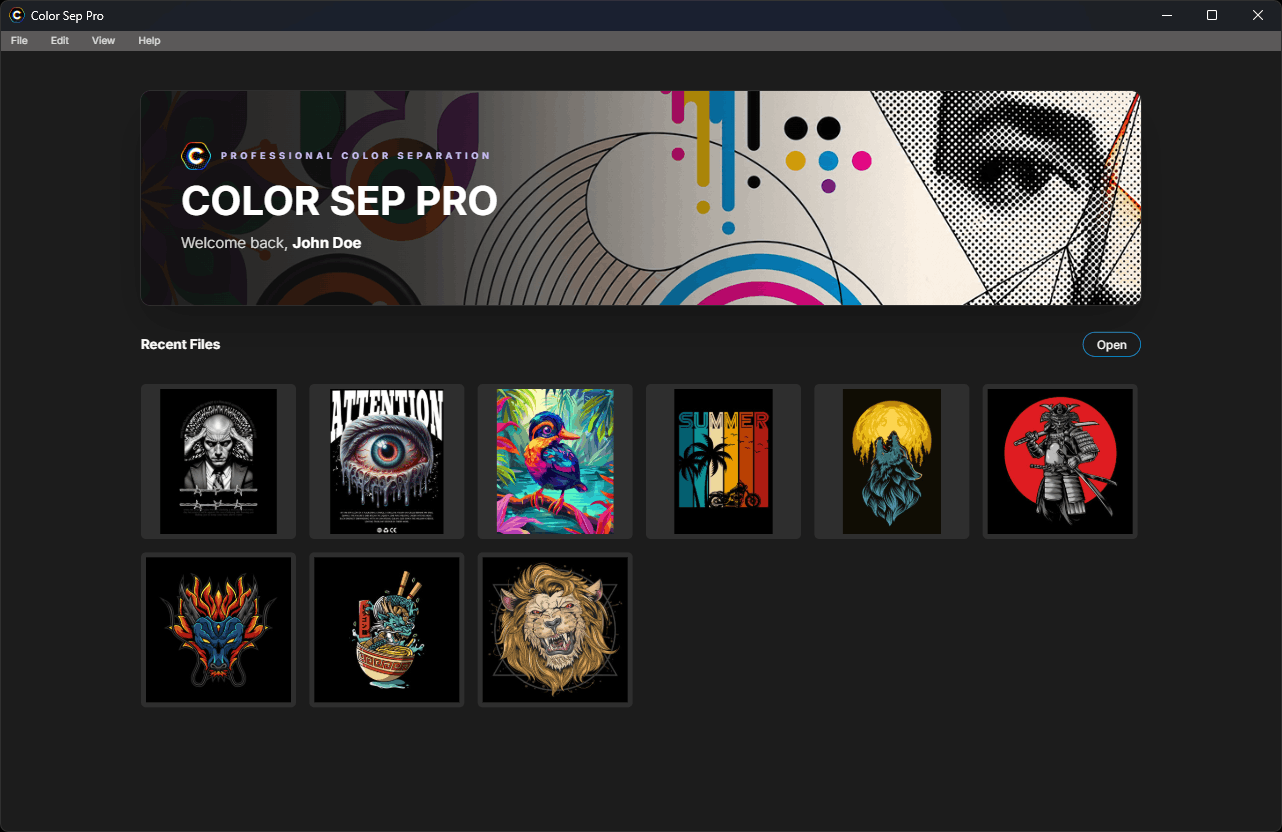
Open a file and pick Spot Color, CMYK, Vector or Monotone. Color Sep Pro reads your artwork — and grades how print-ready it is — before you commit.
Production ready
Everything the press room needs.
Nothing it doesn't.
Automatic Underbase
Generate a choke-adjusted white underbase so your colors pop on black and dark-colored garments.
Registration Marks
Add precise registration targets on export and print, so every screen lines up on press the first time.
Film & PDF Output
Print film positives directly or export press-ready PDF, TIFF and PNG at any size — A4, A3, A3+ or a custom dimension.
Screen-Angle Control
Standard CMYK angles prevent moiré automatically, with adjustable LPI to match your mesh count.
Custom Spot Colors
Match each channel to your exact target ink — define spot colors by RGB, CMYK or hex from a built-in swatch library.
Fast, Responsive Processing
Live progressComplex designs separate in seconds with a live progress bar you can cancel — the window never freezes mid-job.
How it works
Artwork to film.
Four steps, no detours.
Open your artwork
Drop in a PNG, JPG, TIFF, SVG or PDF. The app analyzes the file and previews it instantly.
Pick a process
Spot, CMYK, monotone or vector — Color Sep Pro only offers what fits your file.
Separate
Channels, halftones and underbase are extracted automatically while you watch the progress.
Print your film
Add registration marks, print film positives directly or export PDF, TIFF and PNG.
Gallery
Take a closer look.
Scroll to exploreWhy Color Sep Pro
Fast. Private. Press-ready.
Native speed
A purpose-built engine separates complex multi-color designs in seconds, with in-memory layer merging — not a sluggish web tool.
Your files stay local
Separation runs entirely on your machine. No uploads, no cloud queue — artwork never leaves your computer.
Built for the press
Moiré-safe screen angles, choke-adjusted underbase and exact registration mean fewer test prints and faster setups.
In & out
Works with the files you already have.
Stop fighting separations.
Start printing.
Pick a plan, download Color Sep Pro for Windows and pull your first film-ready separation today.
14-day money-back guarantee on every plan.